Map guide
Classic Slay Islands maps
Sean O’Connor’s Slay Islands collection gathers maps drawn by Slay’s players and by Slay’s creator. The Dominex map editor includes 215 of them. Here is every one, with its shape, its size, and who made it.
In the game
How to open one
-
1
Open the map editor.It’s free to try in your browser at app.playdominex.com and in the iPhone and iPad app.
-
2
Tap Map gallery and search.Type a map’s name or its creator, then tap a map to preview it.
-
3
Tap Play.Set up a match against five computer rivals. Playing a classic map needs Premium, a one-time purchase in the iPhone and iPad app.
-
4
Or reshape it.Edit a copy to add or erase land anywhere on the 35 × 24 grid. Trying the editor is free; saving your map needs Premium.
What carries over
The land, not the setup
Each map keeps its original land shape on the same 35 × 24 grid. Dominex then deals the starting land to six players, as it does on every map, and you choose the difficulty and Starting land before round one.
Dominex doesn’t open Slay’s own map files. These maps were converted to Dominex’s text format and ship with the game, so there is nothing to download.
Where to start
Sean O’Connor’s own maps
Slay’s creator made six of the maps in the collection.
-
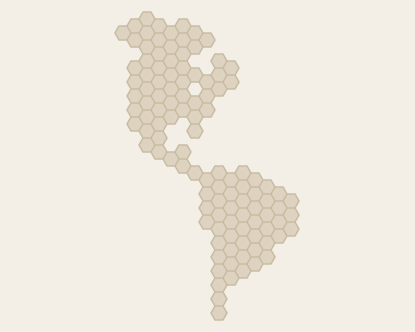 AmericasBy Sean O’Connor · 112 hexes
-
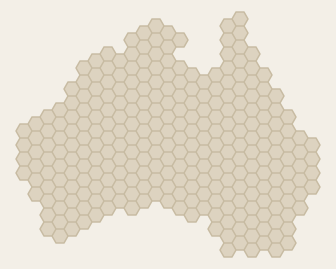 AustraliaBy Sean O’Connor · 278 hexes
-
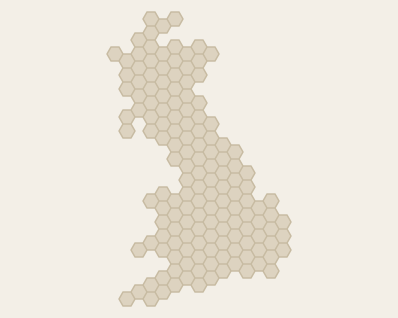 BritainBy Sean O’Connor · 148 hexes
-
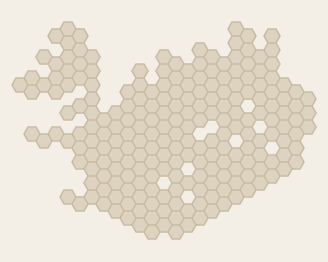 IcelandBy Sean O’Connor · 215 hexes
-
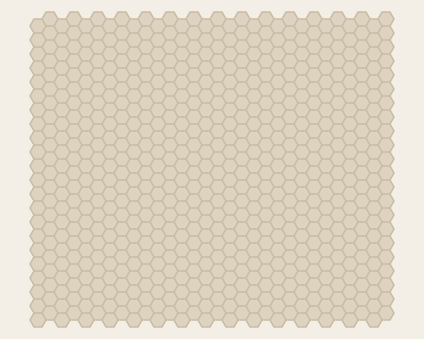 MaximumBy Sean O’Connor · 660 hexes
-
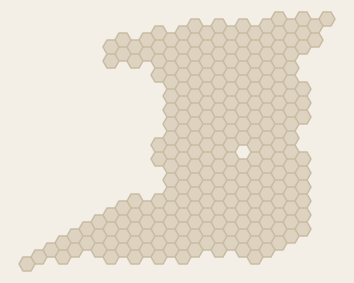 TrinidadBy Sean O’Connor · 245 hexes
The full set
All 215 maps
-
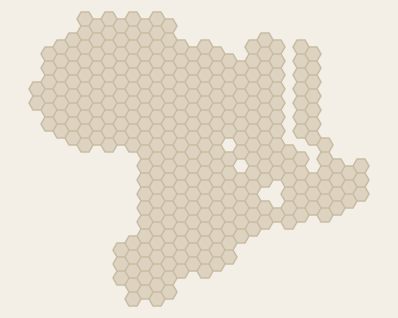 AfricaBy sid6.7 · 314 hexes
-
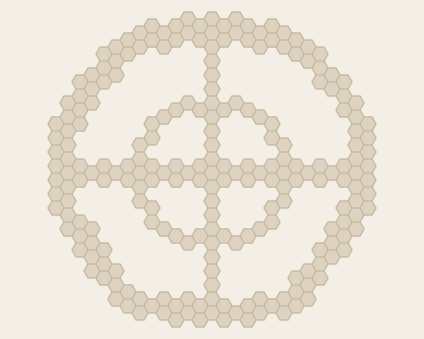 AimCreator unlisted · 225 hexes
-
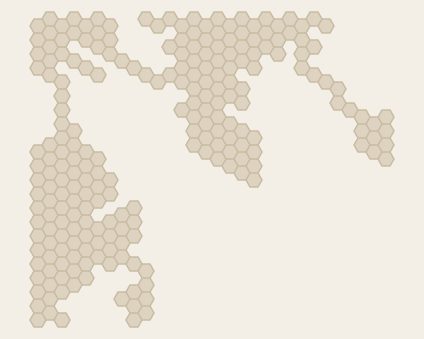 AlbaBy sid6.7 · 223 hexes
-
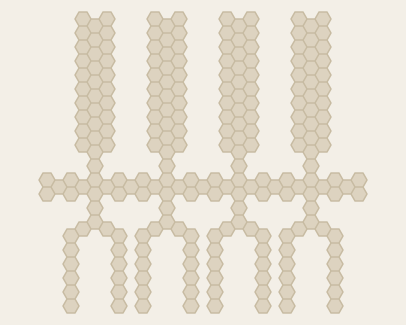 AliensCreator unlisted · 229 hexes
-
AmericasBy Sean O’Connor · 112 hexes
-
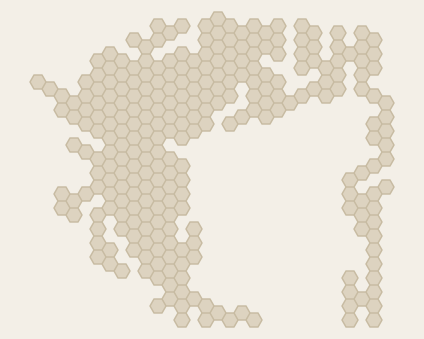 AmitluBy sid6.7 · 266 hexes
-
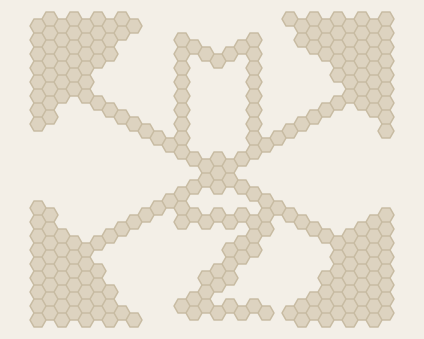 AnchorCreator unlisted · 270 hexes
-
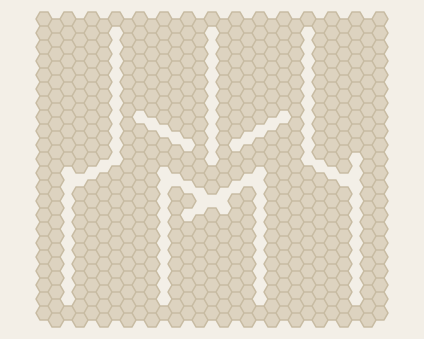 AngerBy Scott Clark · 541 hexes
-
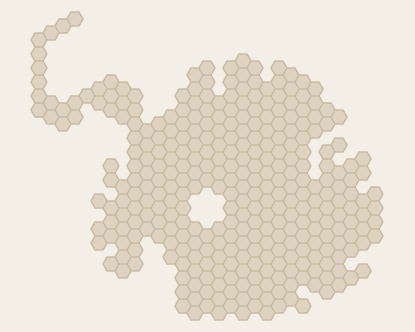 AntarcticaBy sid6.7 · 320 hexes
-
AustraliaBy Sean O’Connor · 278 hexes
-
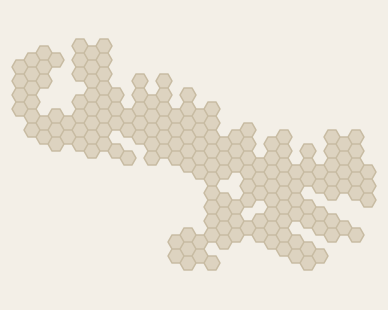 BaffinBy sid6.7 · 181 hexes
-
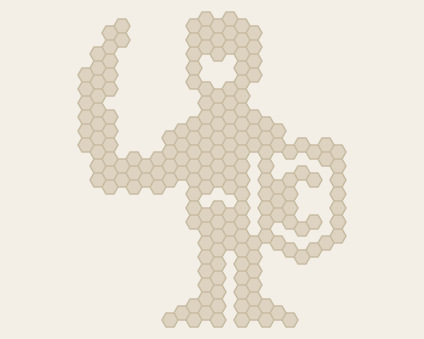 BaronCreator unlisted · 194 hexes
-
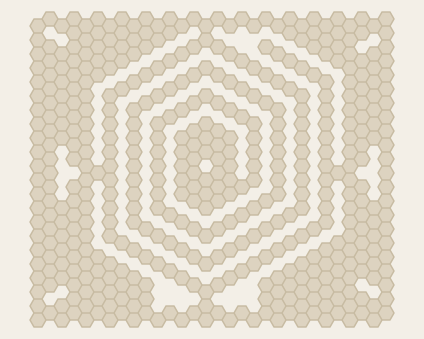 BBC 1950By John Hill · 457 hexes
-
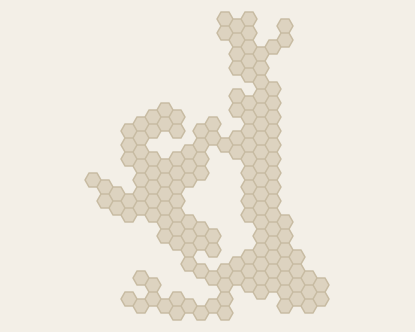 BergenCreator unlisted · 157 hexes
-
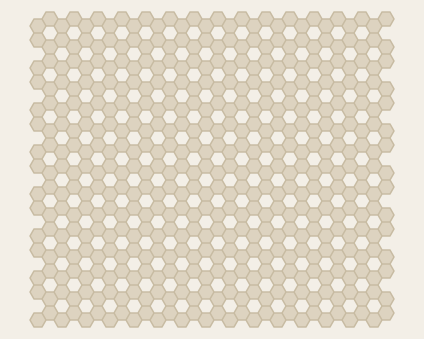 Big MeshBy Gruff · 450 hexes
-
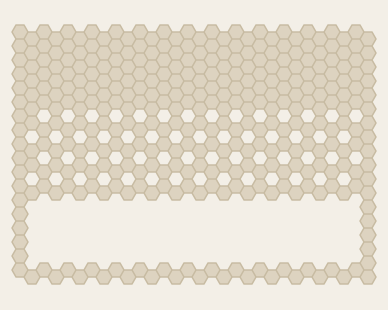 BlackRedGoldCreator unlisted · 344 hexes
-
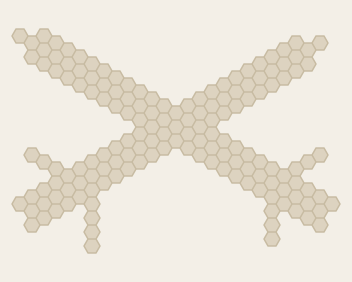 BladesBy sid6.7 · 153 hexes
-
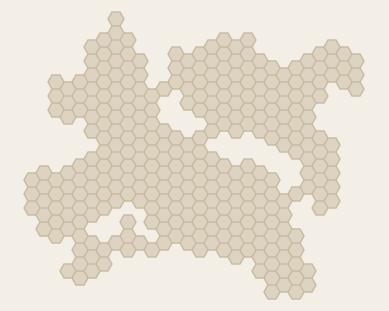 BonnCreator unlisted · 314 hexes
-
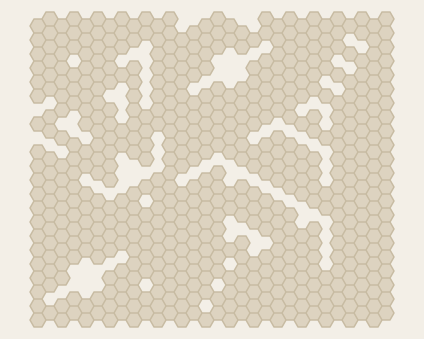 BoomBy Scott Clark · 553 hexes
-
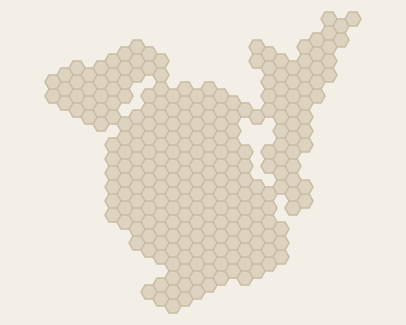 BordeauxCreator unlisted · 256 hexes
-
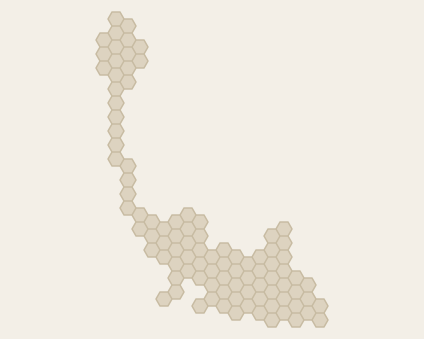 Bremen-BremerhafenCreator unlisted · 97 hexes
-
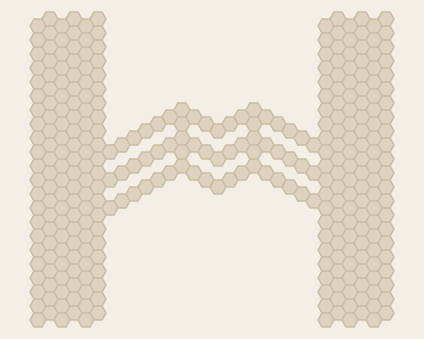 BridgeBy Scott Clark · 322 hexes
-
BritainBy Sean O’Connor · 148 hexes
-
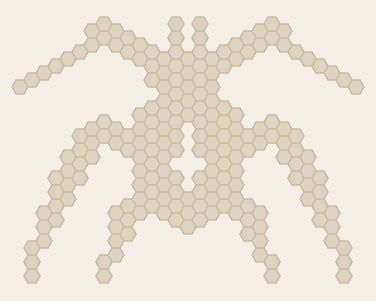 BugCreator unlisted · 201 hexes
-
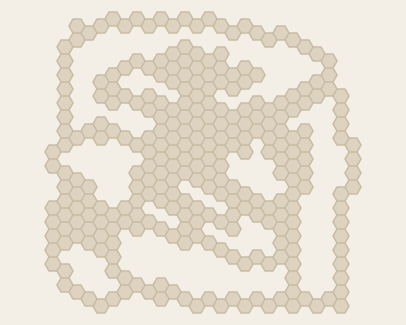 Bug MeBy John Hill · 281 hexes
-
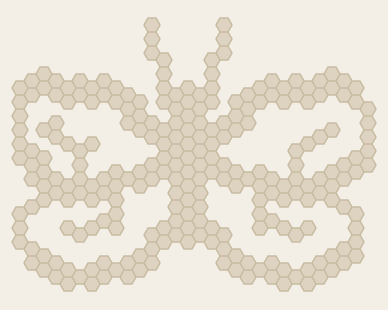 ButterflyCreator unlisted · 246 hexes
-
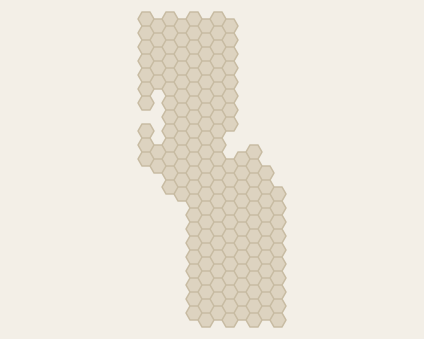 CaliforniaBy Greg Dunlap · 175 hexes
-
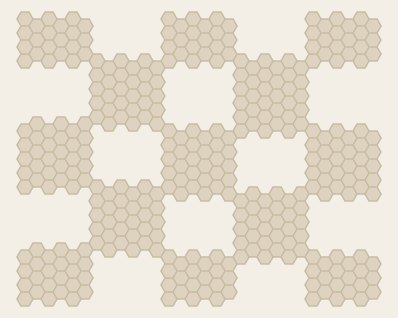 CheckersCreator unlisted · 342 hexes
-
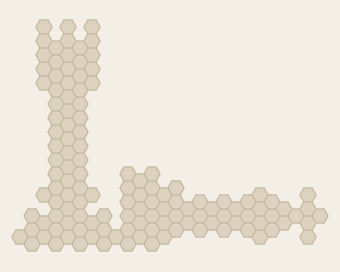 CheckMateCreator unlisted · 125 hexes
-
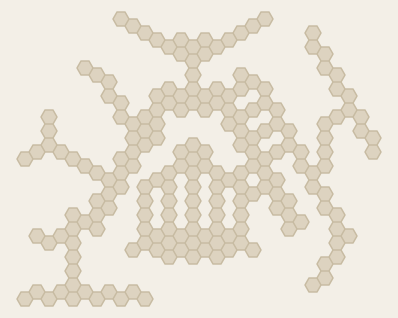 Chicago AirportBy sid6.7 · 196 hexes
-
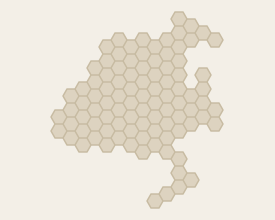 China 0009Creator unlisted · 95 hexes
-
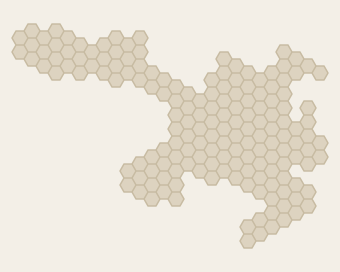 China 0225Creator unlisted · 164 hexes
-
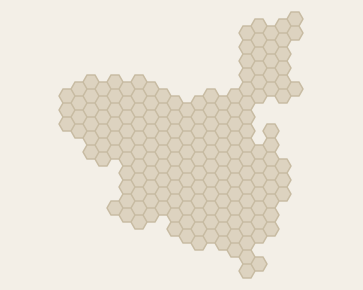 China 1300 ( Hsi-Hua + Sung + Chin)Creator unlisted · 188 hexes
-
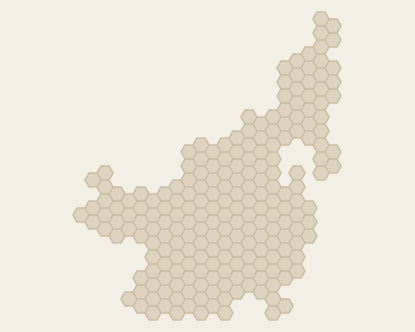 China 1400Creator unlisted · 212 hexes
-
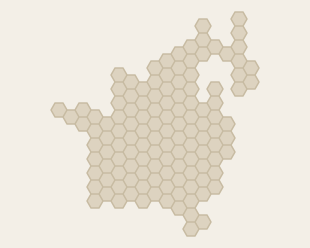 China 1600Creator unlisted · 124 hexes
-
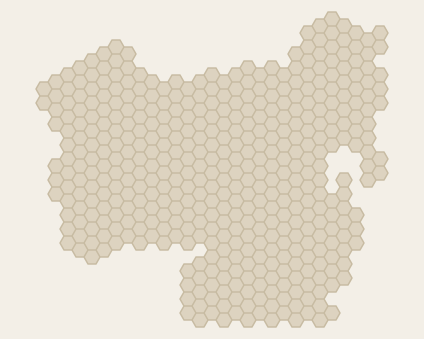 China 1644Creator unlisted · 433 hexes
-
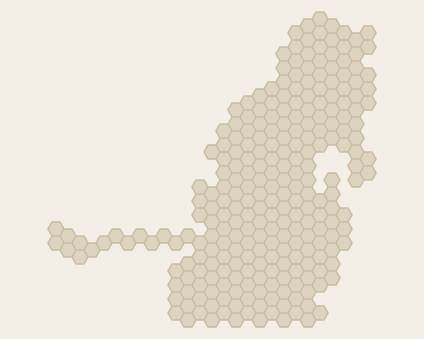 China 1794Creator unlisted · 252 hexes
-
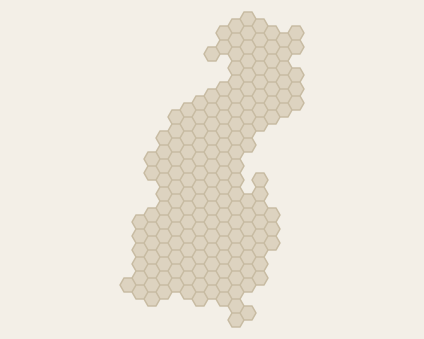 China 1950Creator unlisted · 181 hexes
-
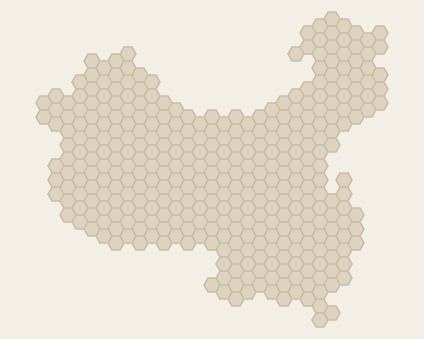 China 1965Creator unlisted · 351 hexes
-
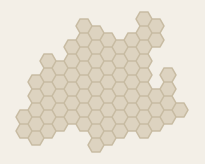 China-1000Creator unlisted · 82 hexes
-
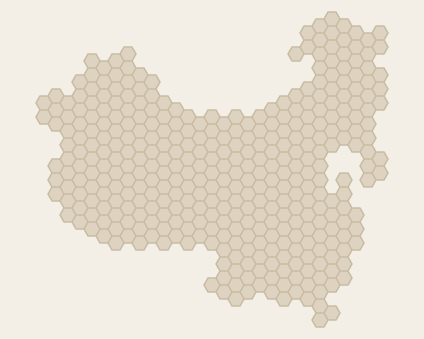 China+KoreaCreator unlisted · 361 hexes
-
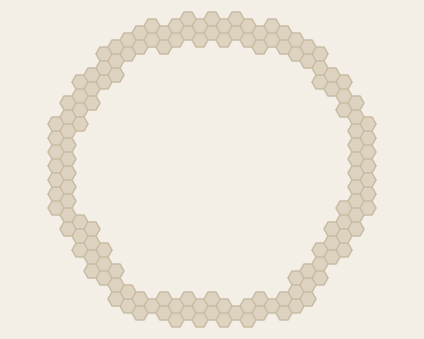 CircleCreator unlisted · 141 hexes
-
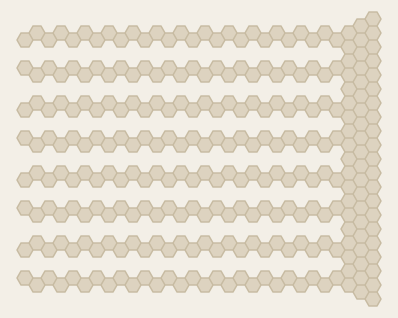 CombCreator unlisted · 276 hexes
-
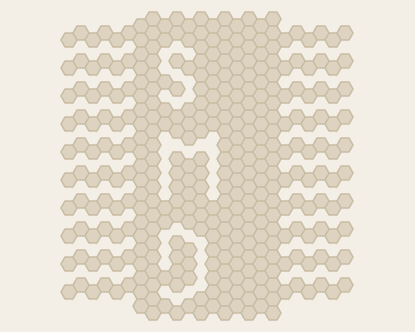 ComputerChipCreator unlisted · 344 hexes
-
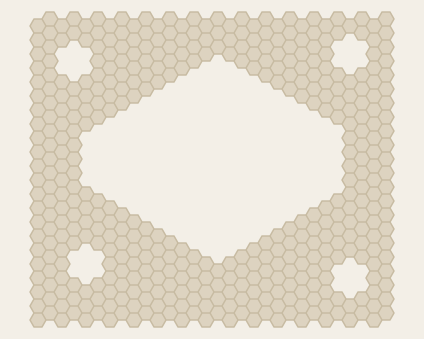 Crater HoleBy J Cassell · 423 hexes
-
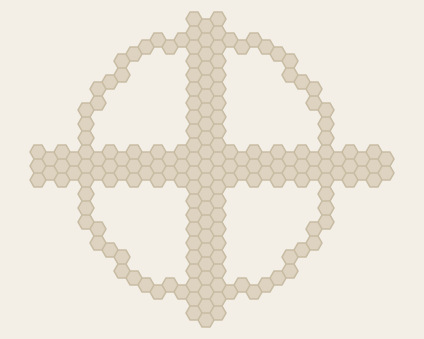 CrossCreator unlisted · 186 hexes
-
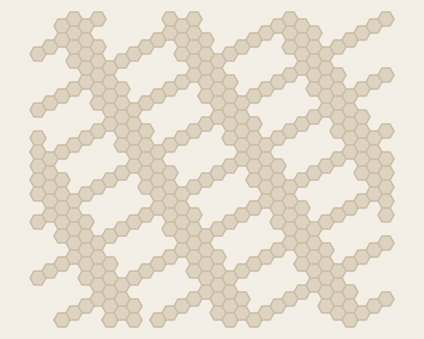 CrossingLinesCreator unlisted · 326 hexes
-
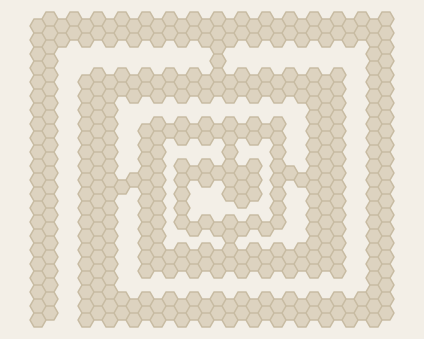 CSpiralCreator unlisted · 412 hexes
-
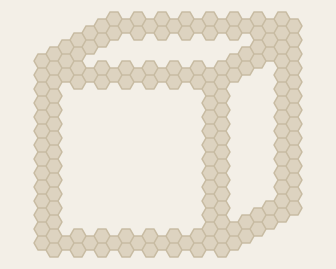 CubeCreator unlisted · 166 hexes
-
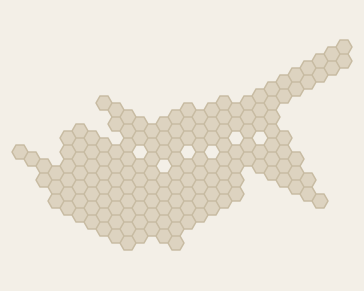 CyprusBy sid6.7 · 164 hexes
-
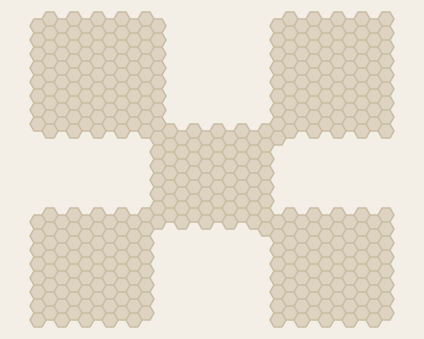 DareBy Scott Clark · 410 hexes
-
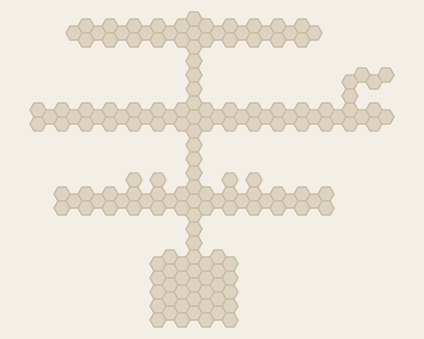 Denver AirportBy sid6.7 · 169 hexes
-
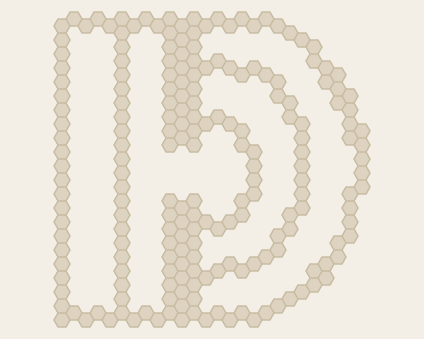 DiffractionCreator unlisted · 199 hexes
-
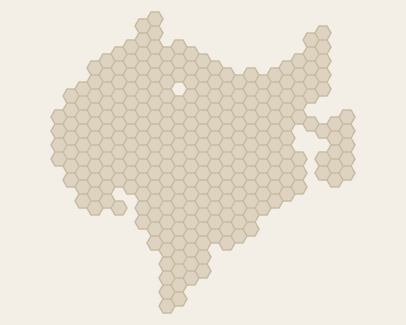 DinotopiaBy Philippe Leblanc · 278 hexes
-
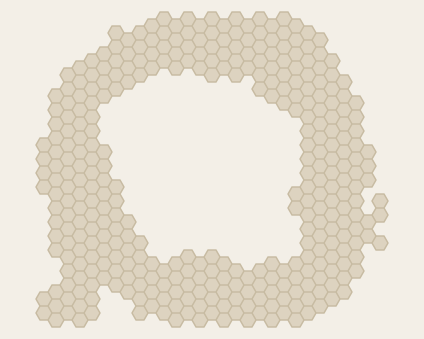 Droplet LakeBy J Cassell · 345 hexes
-
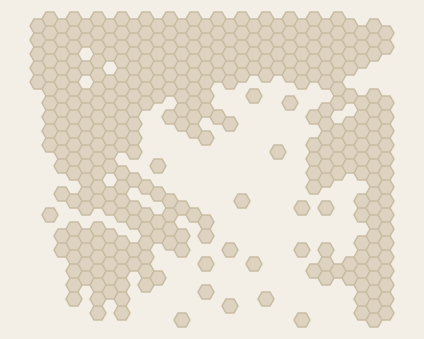 DW-AegeanSeaBy Dave Wagner · 363 hexes
-
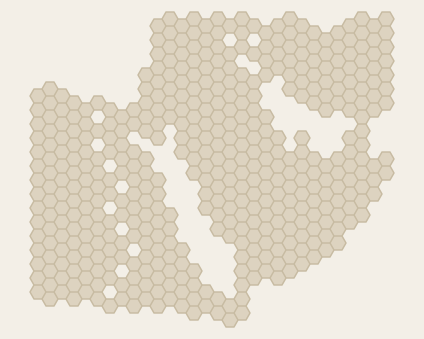 DW-ArabiaBy Dave Wagner · 444 hexes
-
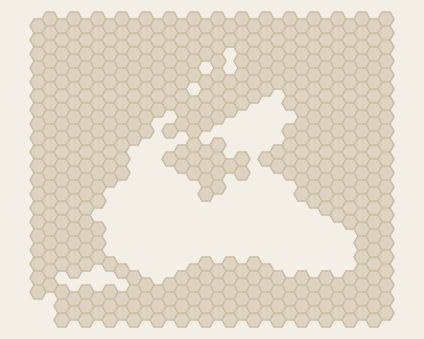 DW-BlackSeaBy Dave Wagner · 487 hexes
-
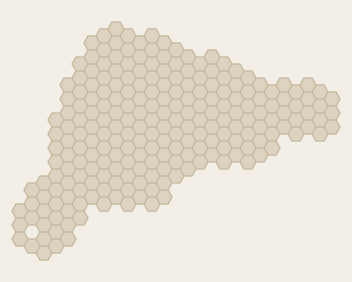 DW-EasterIslandBy Dave Wagner · 222 hexes
-
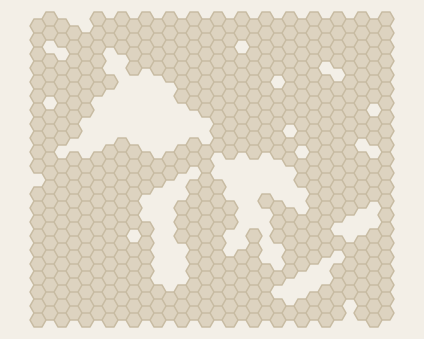 DW-GreatLakesBy Dave Wagner · 516 hexes
-
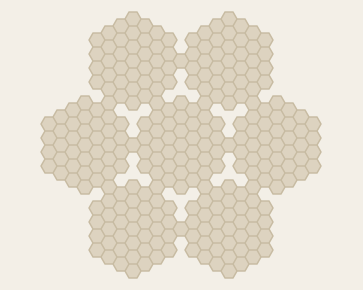 DW-HexBy Dave Wagner · 271 hexes
-
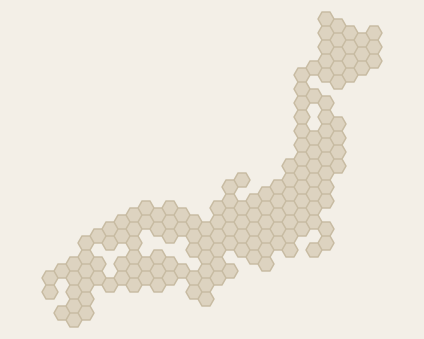 DW-JapanBy Dave Wagner · 155 hexes
-
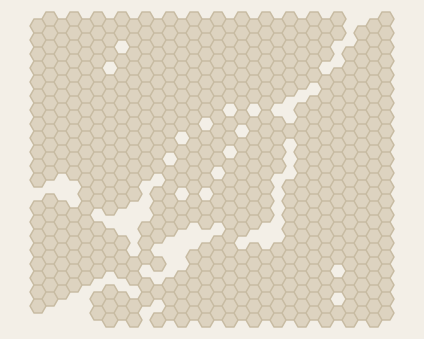 DW-MontrealBy Dave Wagner · 577 hexes
-
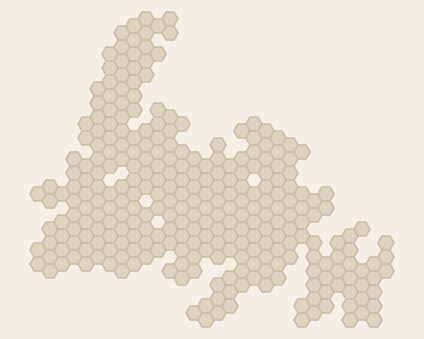 DW-NewfoundlandBy Dave Wagner · 284 hexes
-
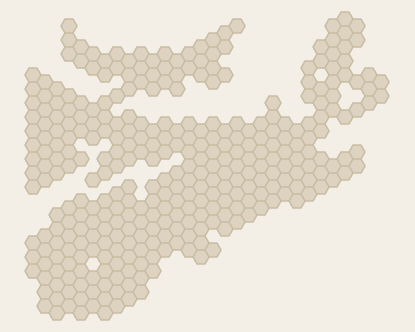 DW-NovaScotiaBy Dave Wagner · 321 hexes
-
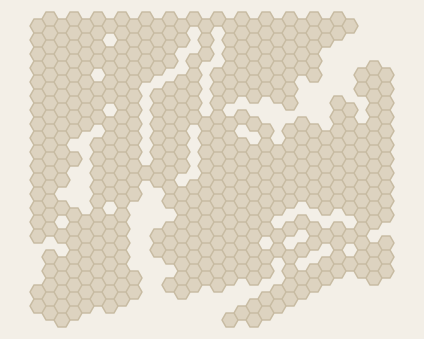 DW-NYCityBy Dave Wagner · 477 hexes
-
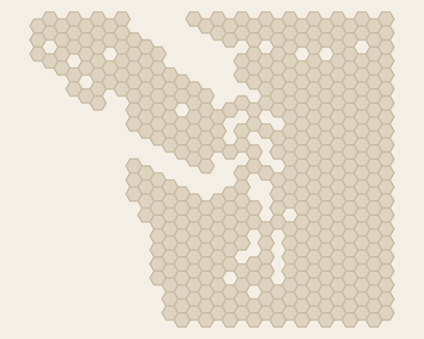 DW-PacificNWBy Dave Wagner · 420 hexes
-
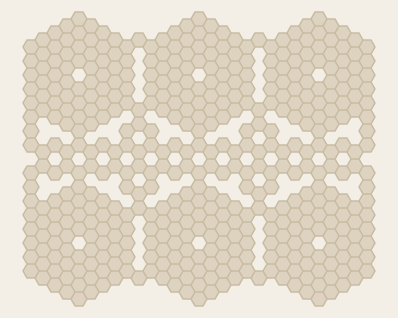 DW-PodsBy Dave Wagner · 446 hexes
-
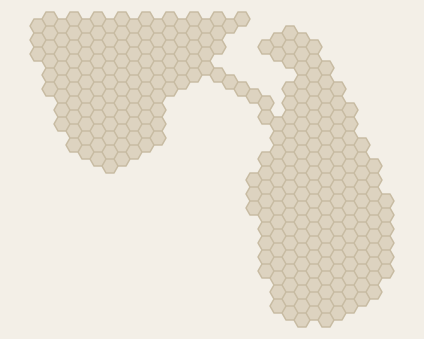 DW-SriLankaBy Dave Wagner · 299 hexes
-
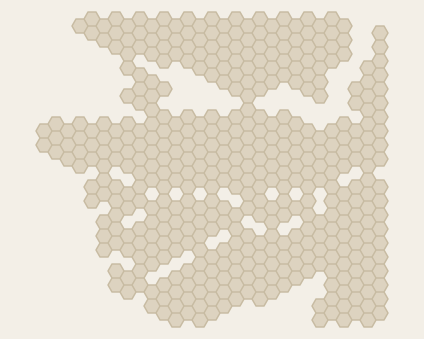 DW-VancouverBy Dave Wagner · 429 hexes
-
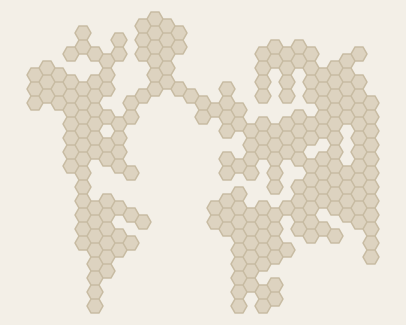 EarthBy sid6.7 · 241 hexes
-
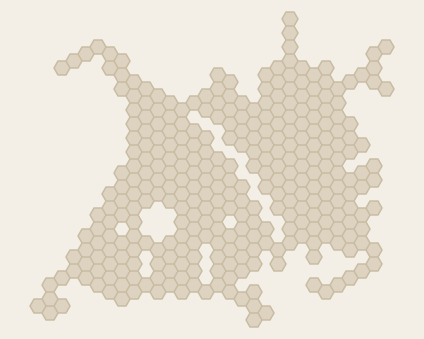 EatahBy sid6.7 · 312 hexes
-
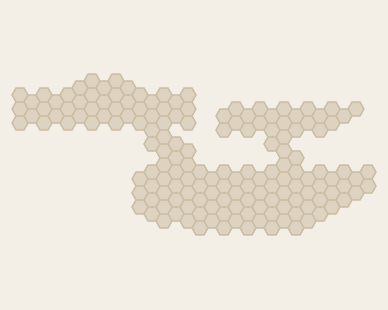 EnterpriseCreator unlisted · 157 hexes
-
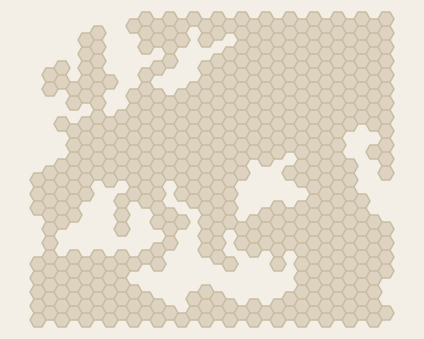 EuropeBy Philippe Leblanc · 479 hexes
-
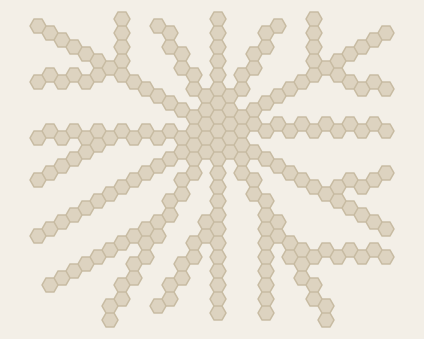 ExplosionCreator unlisted · 222 hexes
-
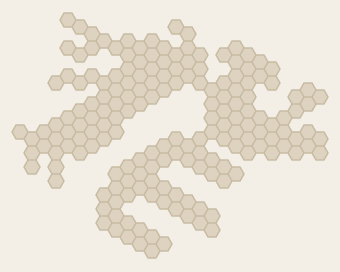 FalklandsBy sid6.7 · 174 hexes
-
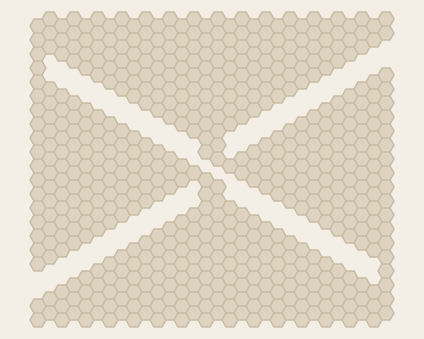 FanBy Scott Clark · 550 hexes
-
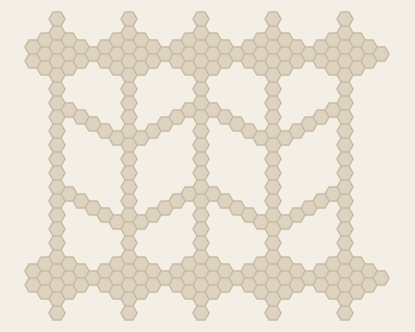 FenceCreator unlisted · 260 hexes
-
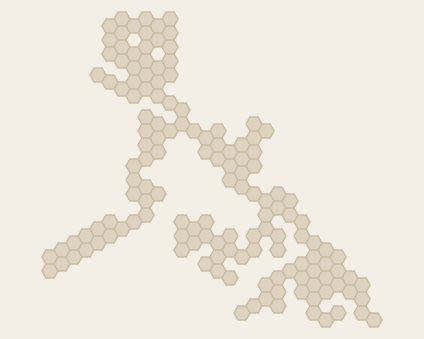 FilipinoBy sid6.7 · 142 hexes
-
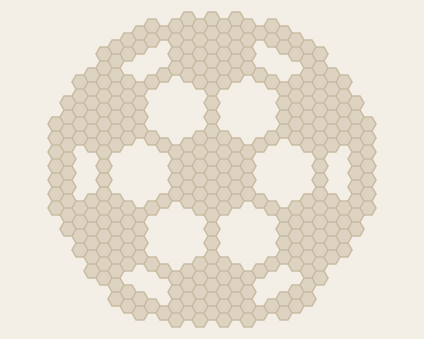 FootballCreator unlisted · 325 hexes
-
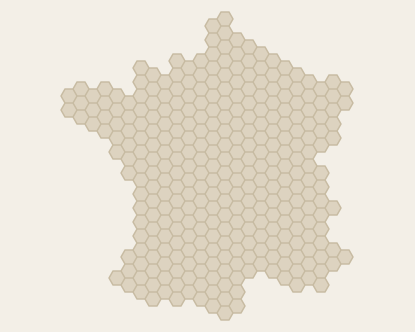 FranceBy Philippe Leblanc · 314 hexes
-
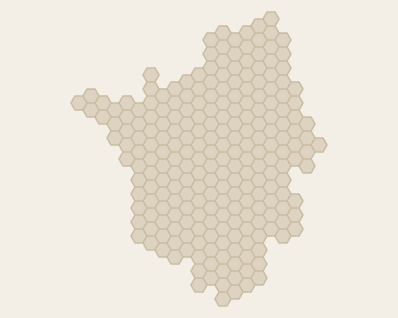 France 1000Creator unlisted · 230 hexes
-
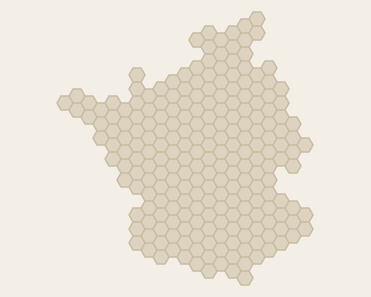 France 1339Creator unlisted · 221 hexes
-
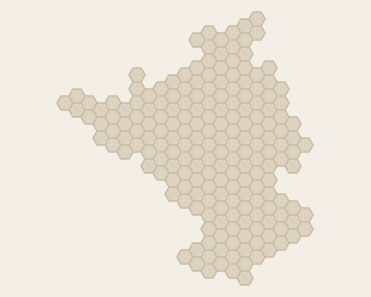 France 1360Creator unlisted · 191 hexes
-
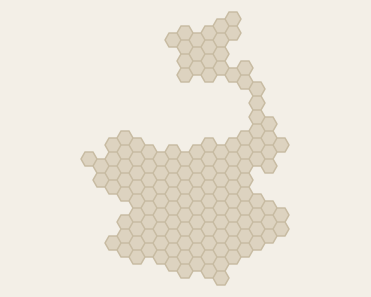 France 1420Creator unlisted · 147 hexes
-
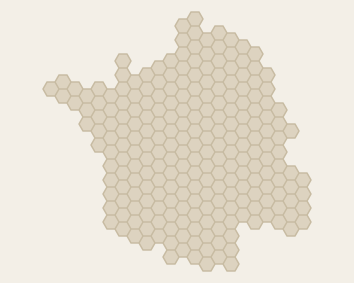 France 1550Creator unlisted · 231 hexes
-
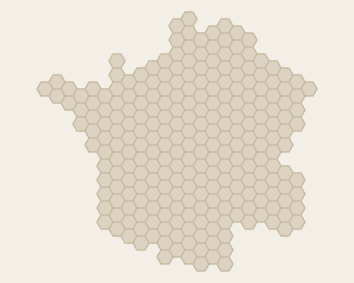 France 1742Creator unlisted · 248 hexes
-
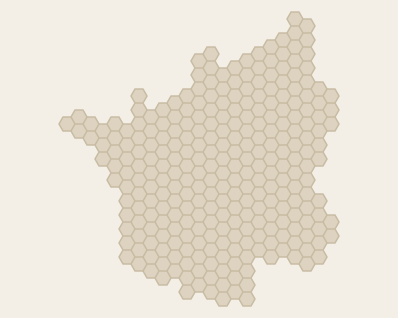 France 1797Creator unlisted · 275 hexes
-
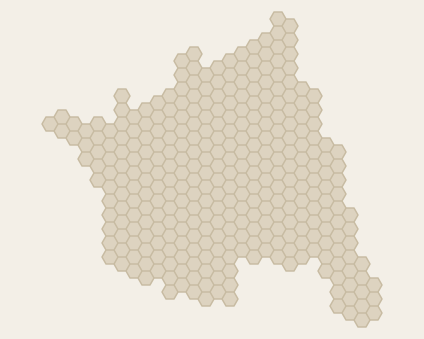 France 1805Creator unlisted · 322 hexes
-
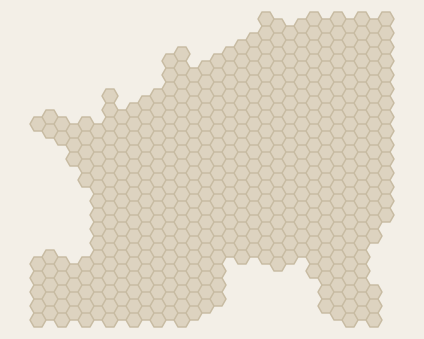 France 1809Creator unlisted · 482 hexes
-
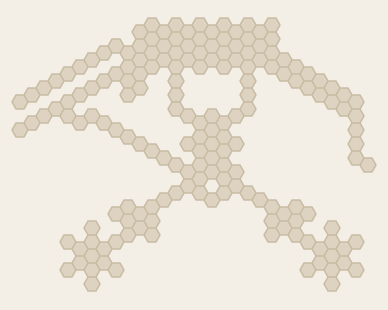 Frankfurt AirportBy sid6.7 · 174 hexes
-
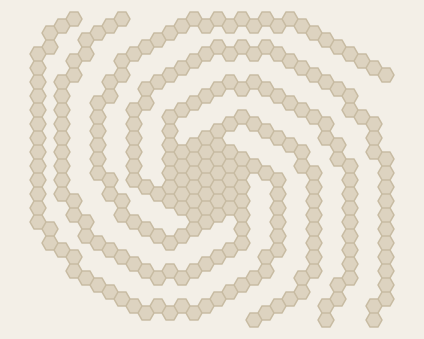 GalaxyCreator unlisted · 261 hexes
-
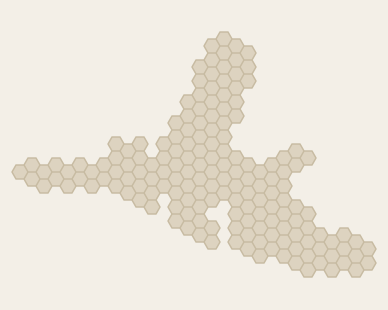 GenovaCreator unlisted · 165 hexes
-
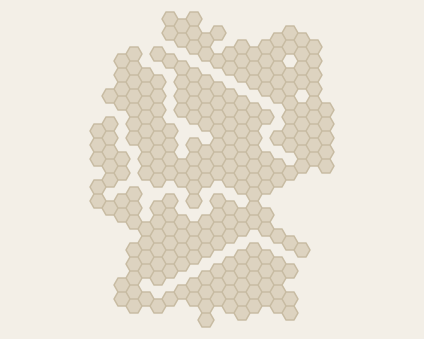 German RiversCreator unlisted · 256 hexes
-
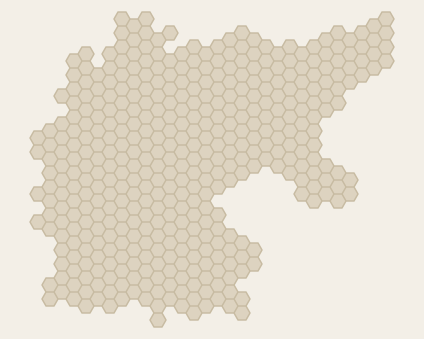 Germany 1871Creator unlisted · 411 hexes
-
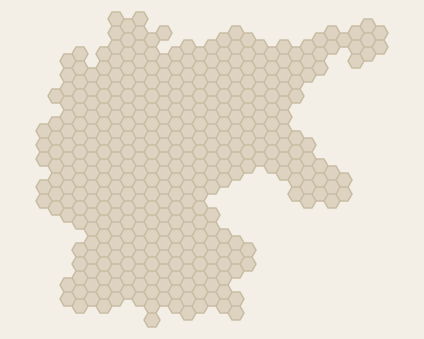 Germany 1919Creator unlisted · 371 hexes
-
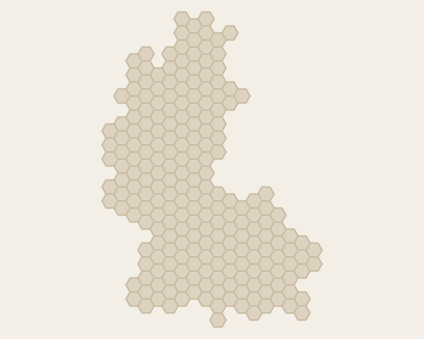 Germany 1949Creator unlisted · 220 hexes
-
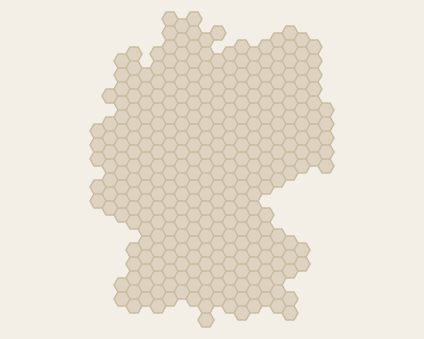 Germany 1991Creator unlisted · 318 hexes
-
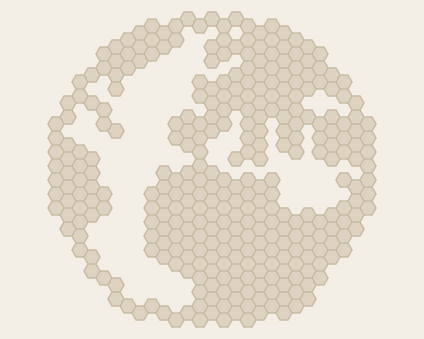 GlobeCreator unlisted · 321 hexes
-
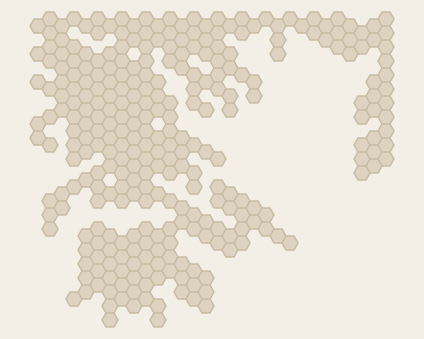 GreeceBy sid6.7 · 288 hexes
-
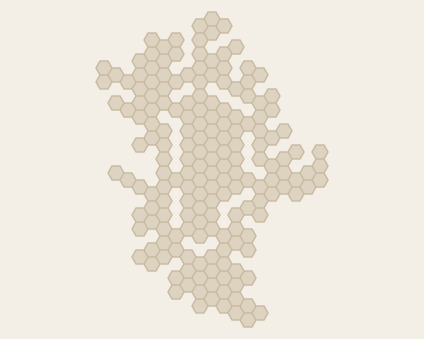 GronnLandeBy sid6.7 · 178 hexes
-
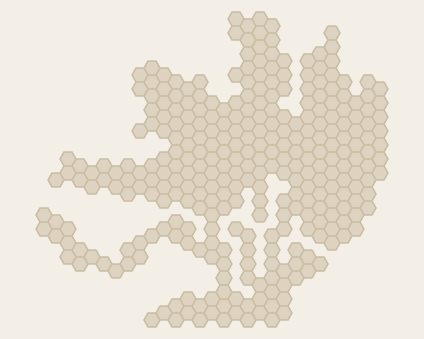 HamburgCreator unlisted · 301 hexes
-
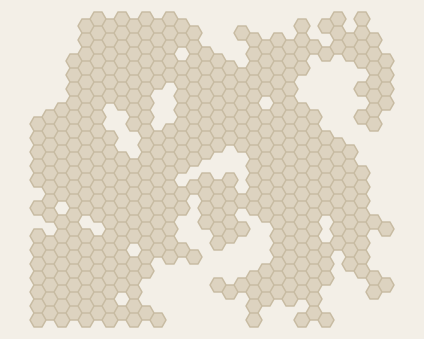 HawkBy sid6.7 · 451 hexes
-
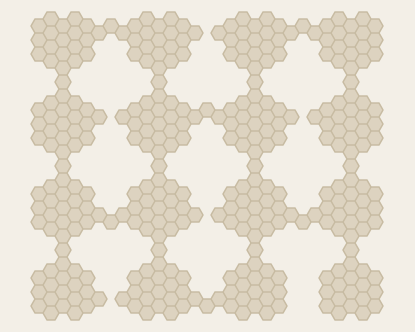 He Who Owns WinsBy Lee Jackson · 336 hexes
-
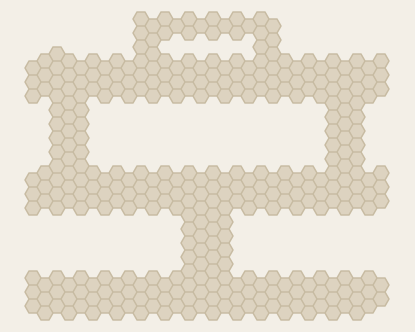 HeavyCreator unlisted · 342 hexes
-
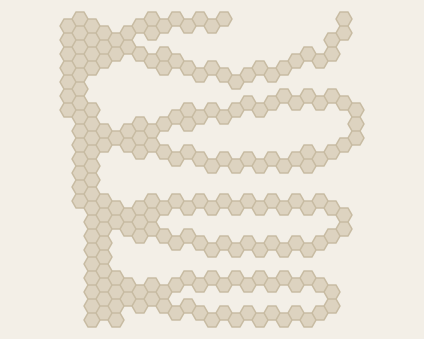 HelixCreator unlisted · 216 hexes
-
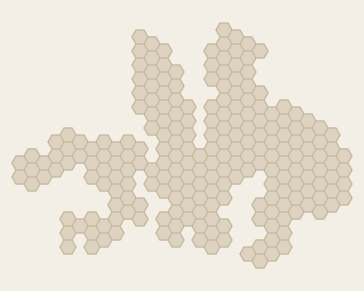 HelsinkiCreator unlisted · 221 hexes
-
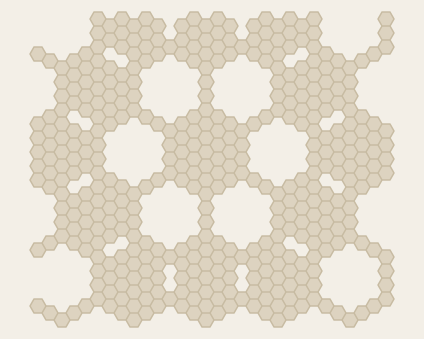 HexCreator unlisted · 405 hexes
-
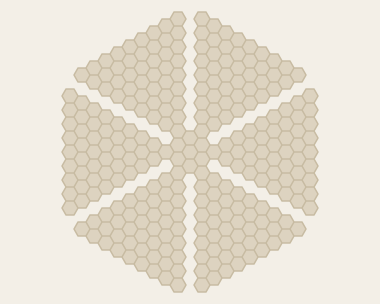 Hex2Creator unlisted · 277 hexes
-
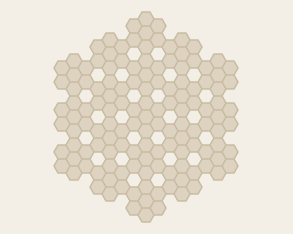 HexflowerBy Gruff · 133 hexes
-
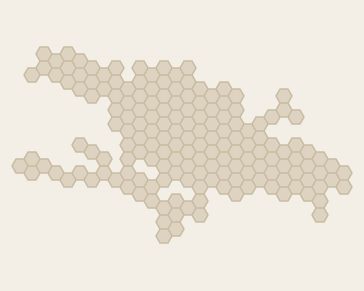 HispanolaBy sid6.7 · 165 hexes
-
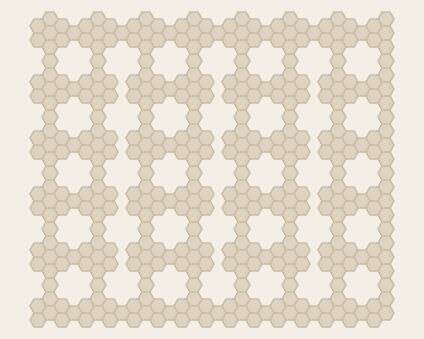 HoneycombBy Scott Clark · 386 hexes
-
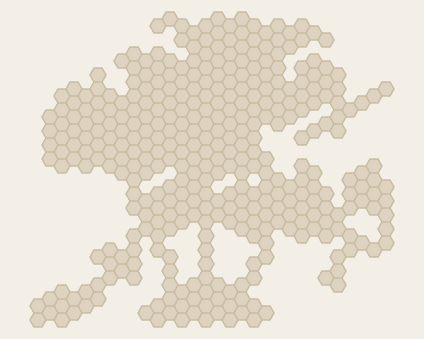 Hong KongBy sid6.7 · 357 hexes
-
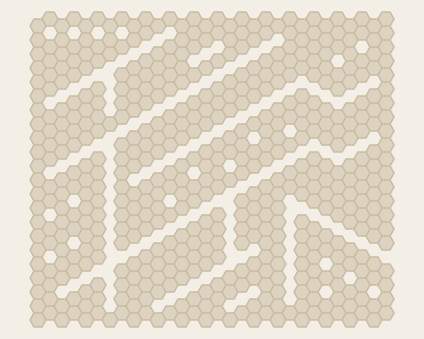 HuhBy Scott Clark · 513 hexes
-
IcelandBy Sean O’Connor · 215 hexes
-
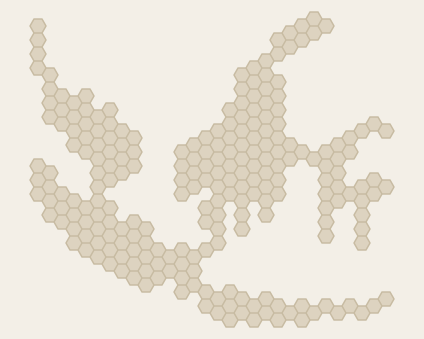 IndonesiaBy sid6.7 · 231 hexes
-
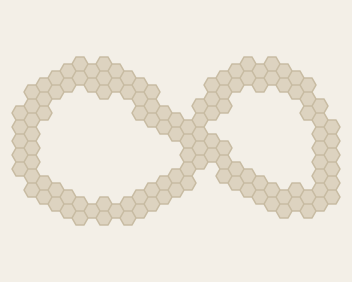 InfinityCreator unlisted · 127 hexes
-
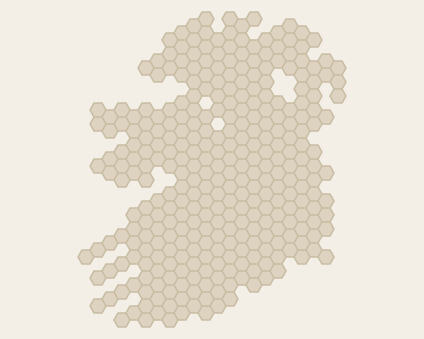 IrelandBy Stephen Calvert · 314 hexes
-
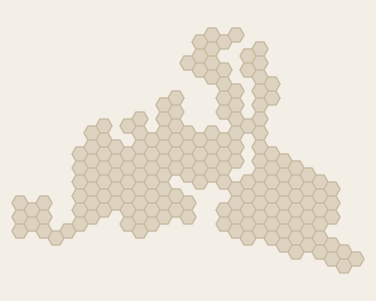 IstanbulCreator unlisted · 184 hexes
-
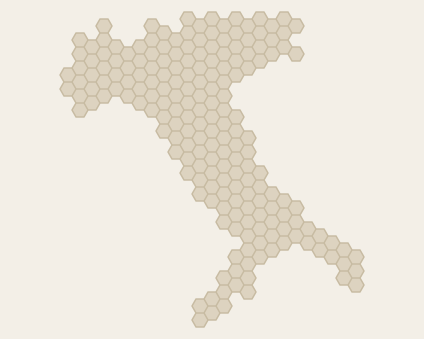 ItalyBy Riccardo · 193 hexes
-
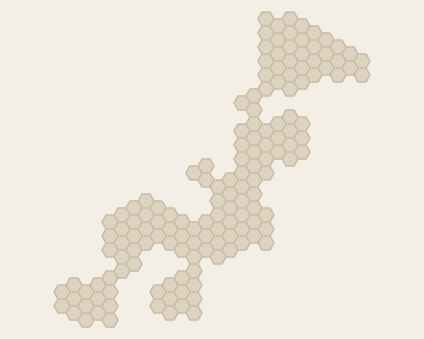 JapanBy sid6.7 · 148 hexes
-
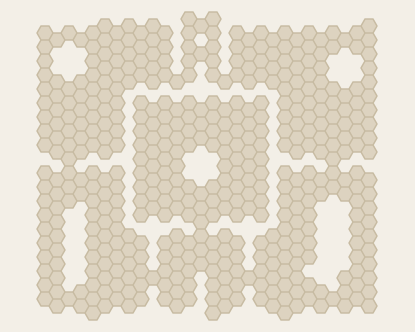 King IslandBy J Cassell · 442 hexes
-
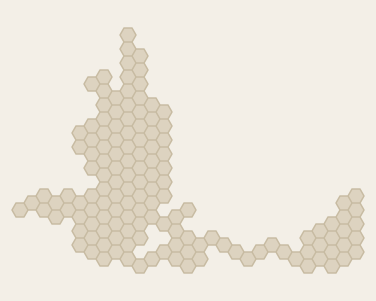 Kobenhavn-MalmoeCreator unlisted · 139 hexes
-
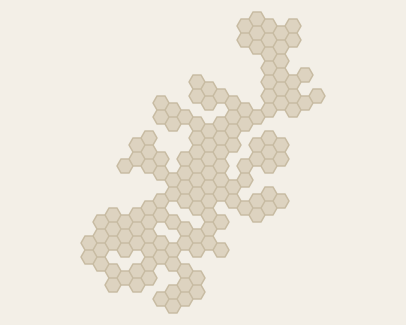 KodiakBy sid6.7 · 143 hexes
-
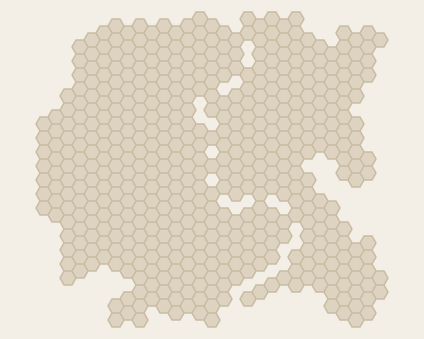 KoelnCreator unlisted · 483 hexes
-
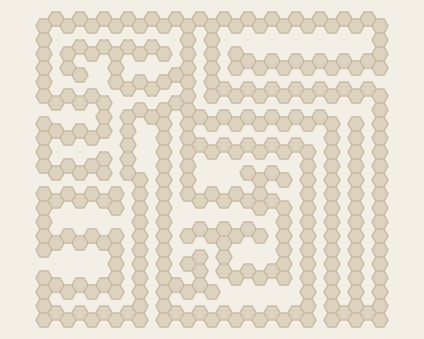 LabyrinthBy Andrew Kenny · 324 hexes
-
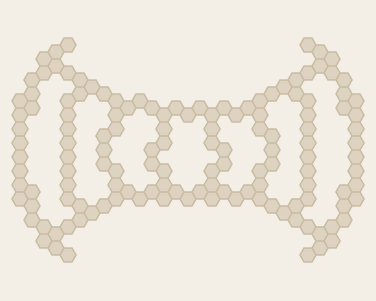 LaserCreator unlisted · 136 hexes
-
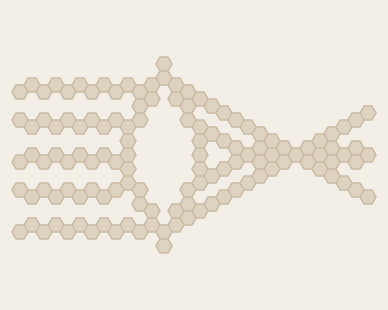 LensCreator unlisted · 127 hexes
-
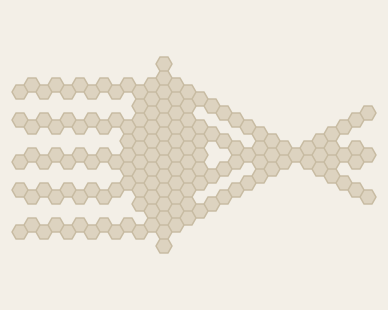 Lens2Creator unlisted · 159 hexes
-
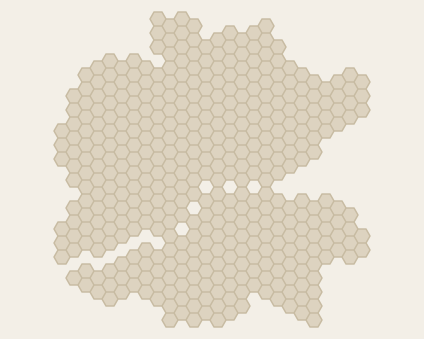 LondonCreator unlisted · 410 hexes
-
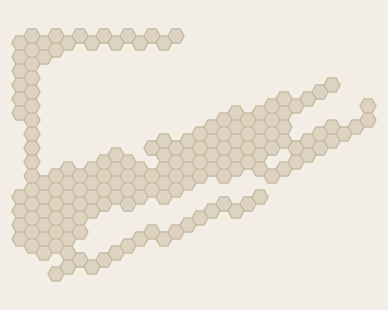 Long IslandBy sid6.7 · 170 hexes
-
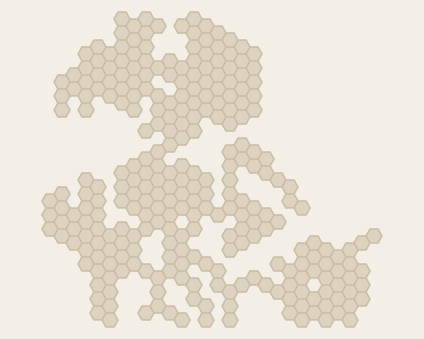 LuarpangeaBy sid6.7 · 270 hexes
-
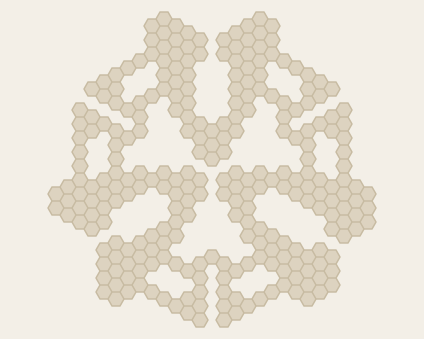 M-TripletBy Marco Möhrle · 262 hexes
-
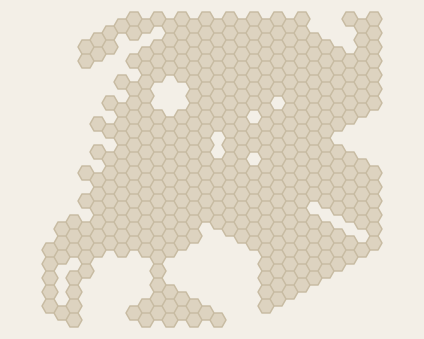 MaccauBy sid6.7 · 407 hexes
-
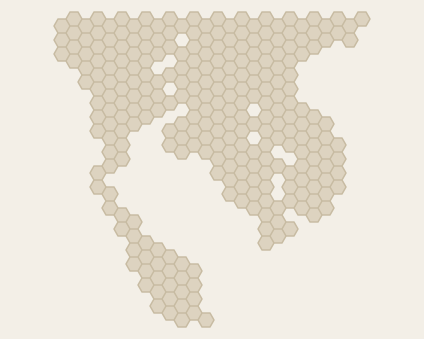 MalaysiaBy sid6.7 · 269 hexes
-
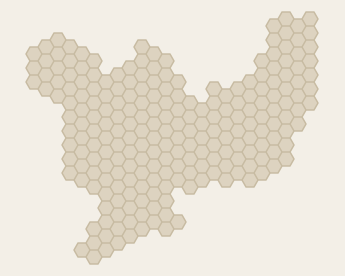 MarseilleCreator unlisted · 222 hexes
-
MaximumBy Sean O’Connor · 660 hexes
-
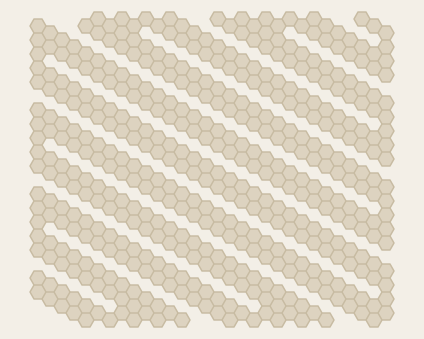 MazeBy Scott Clark · 452 hexes
-
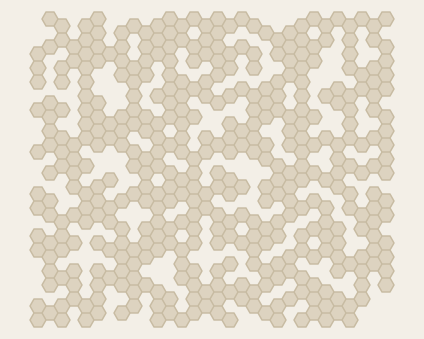 Messy NetBy Gruff · 410 hexes
-
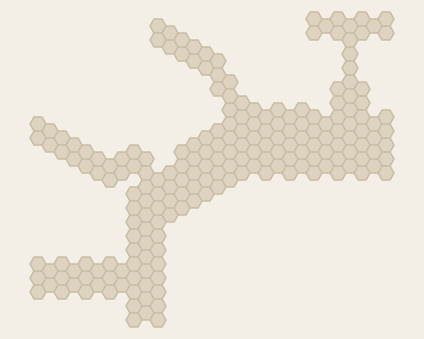 Miami AirportBy sid6.7 · 200 hexes
-
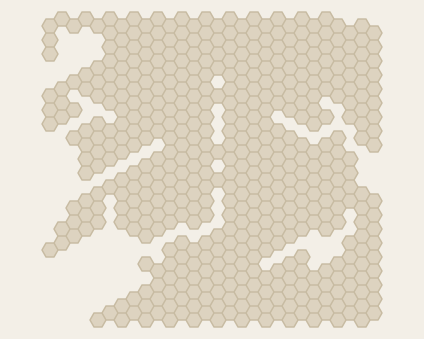 Middle EarthBy sid6.7 · 478 hexes
-
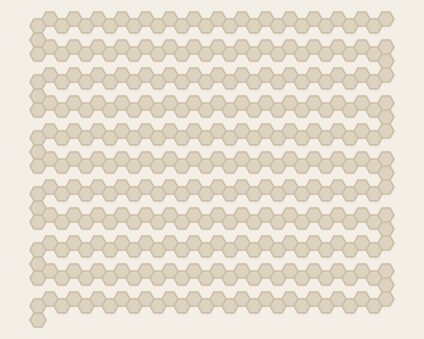 Mission ImpossibleBy Paul Bludov · 341 hexes
-
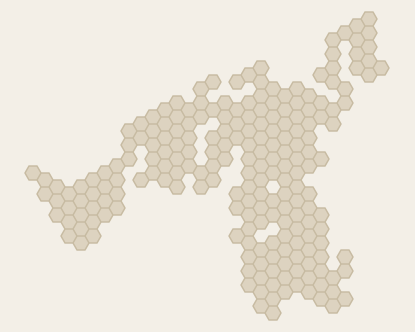 MondeBy Philippe Leblanc · 207 hexes
-
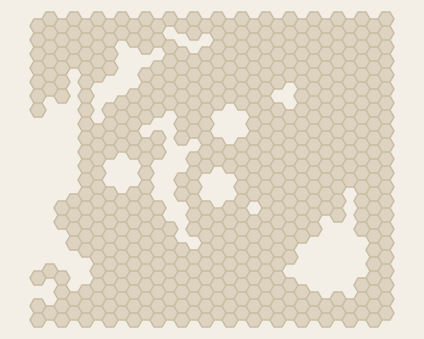 MoonBy sid6.7 · 517 hexes
-
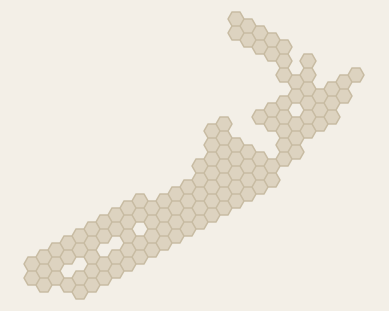 New ZealandBy sid6.7 · 125 hexes
-
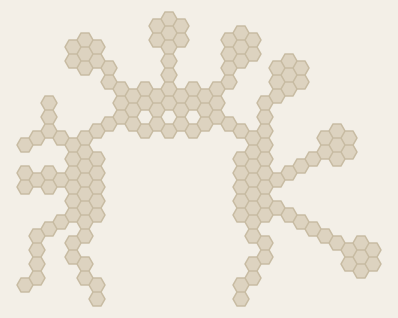 Newark AirportBy sid6.7 · 162 hexes
-
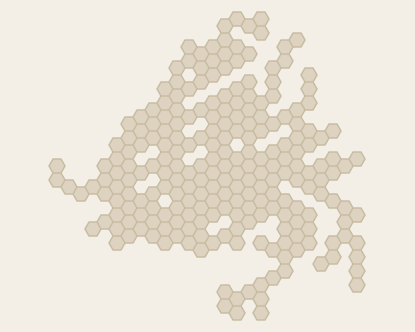 NewfoundlandBy sid6.7 · 227 hexes
-
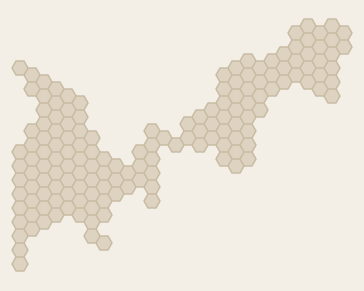 Nice-CannesCreator unlisted · 152 hexes
-
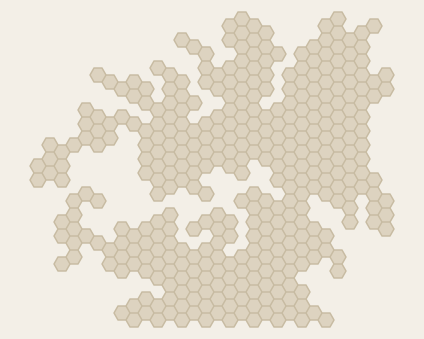 NnyrkBy sid6.7 · 360 hexes
-
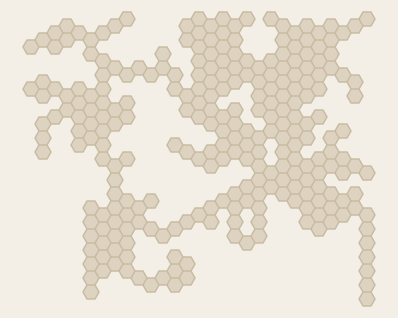 NureafBy sid6.7 · 258 hexes
-
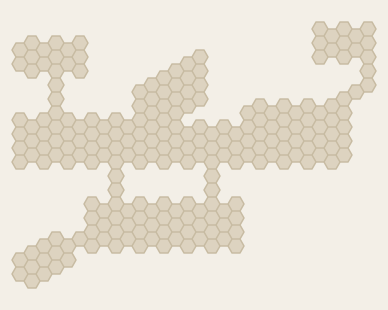 Omaha AirportBy sid6.7 · 223 hexes
-
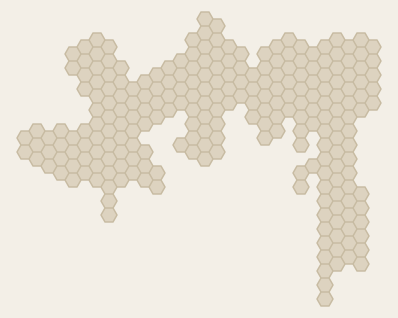 OsloCreator unlisted · 237 hexes
-
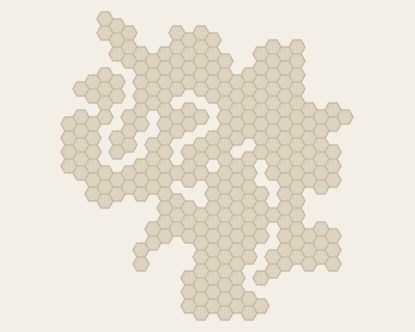 ParisCreator unlisted · 275 hexes
-
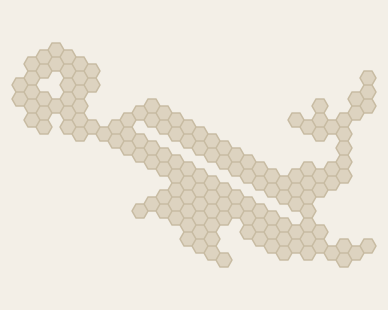 PaupaBy sid6.7 · 151 hexes
-
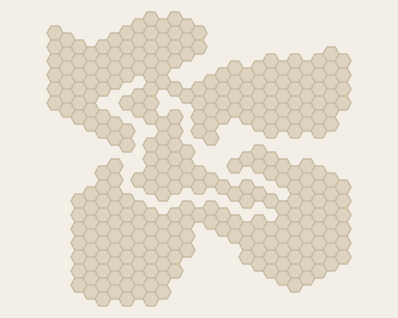 Phalanx islandBy Travis McCain · 309 hexes
-
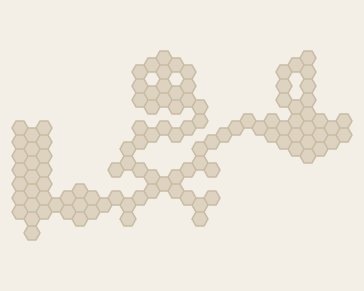 Pirate islandBy Thorgrimur Petursson · 108 hexes
-
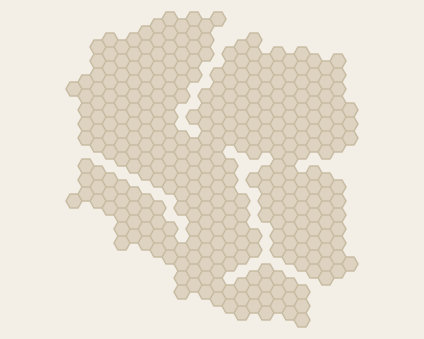 PolandBy SebanP · 342 hexes
-
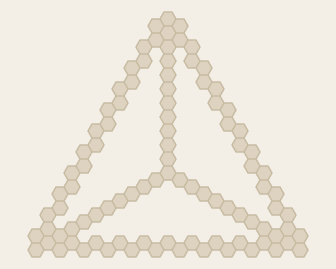 PyramidCreator unlisted · 95 hexes
-
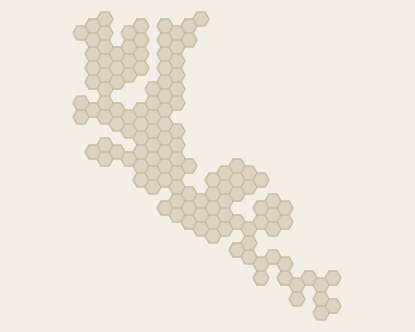 Queen CharlotteBy sid6.7 · 128 hexes
-
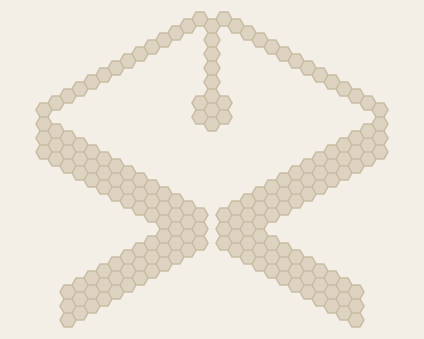 RaceCreator unlisted · 184 hexes
-
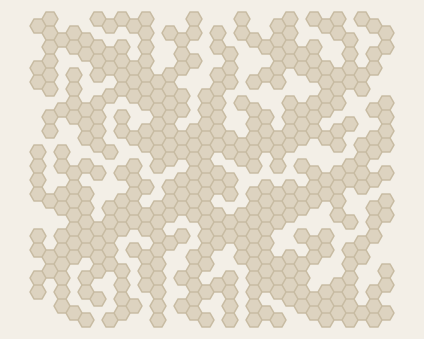 Rhizome1By Gruff · 400 hexes
-
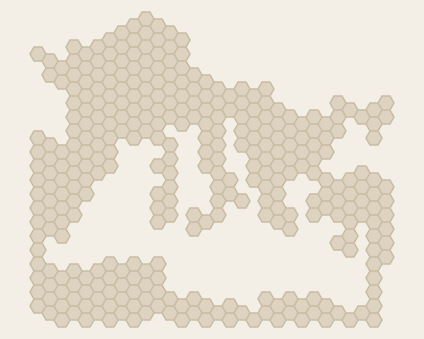 Roman Empire 0014Creator unlisted · 330 hexes
-
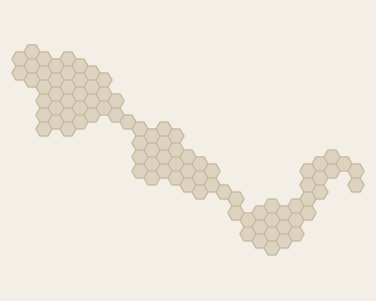 SamoaBy sid6.7 · 91 hexes
-
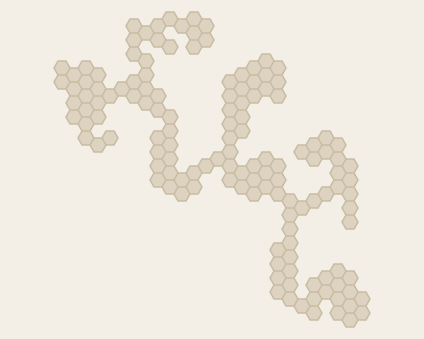 SanJaun-WhidbeyBy sid6.7 · 136 hexes
-
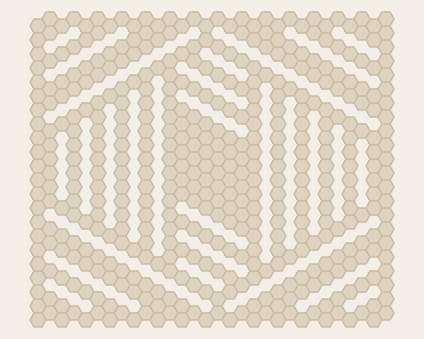 ScottlandBy Scott Clark · 440 hexes
-
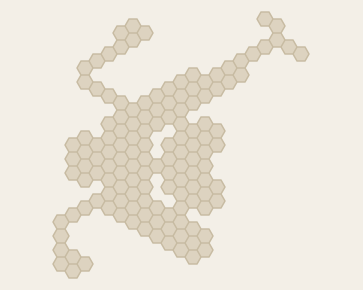 Seattle AirportBy sid6.7 · 136 hexes
-
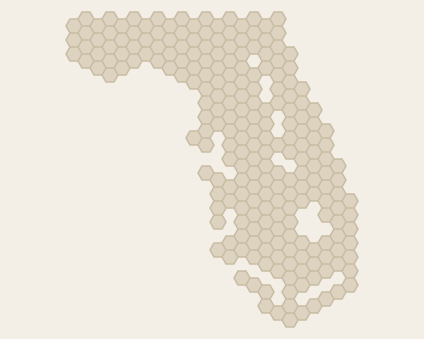 SeminoleBy sid6.7 · 227 hexes
-
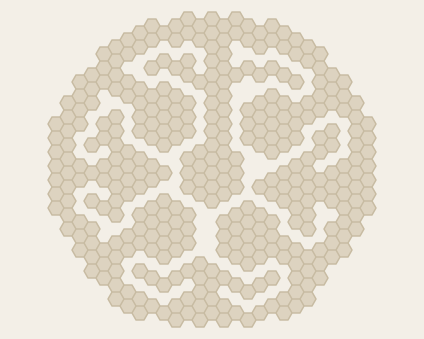 Shape1Creator unlisted · 348 hexes
-
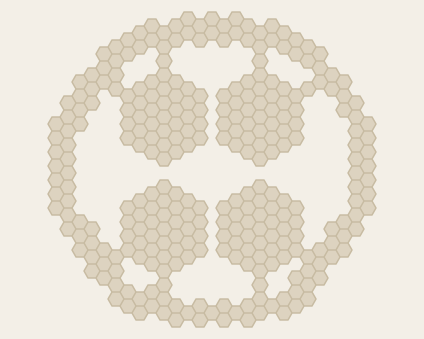 Shape2Creator unlisted · 295 hexes
-
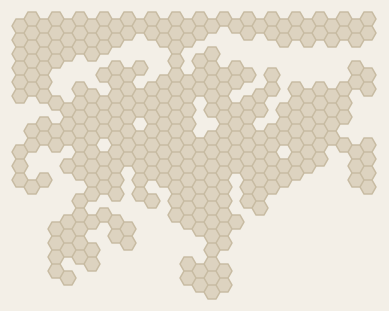 SingaporeBy sid6.7 · 318 hexes
-
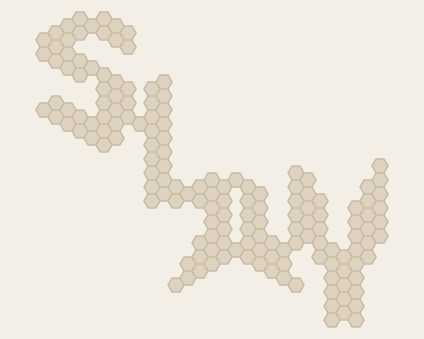 SlayBy sid6.7 · 156 hexes
-
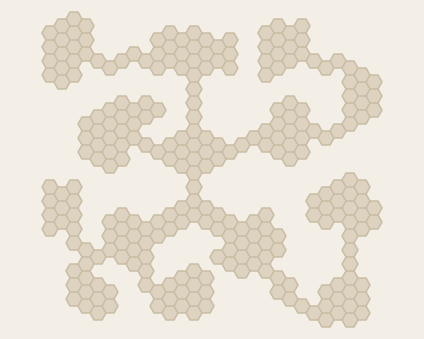 Slay IslandBy John Hill · 265 hexes
-
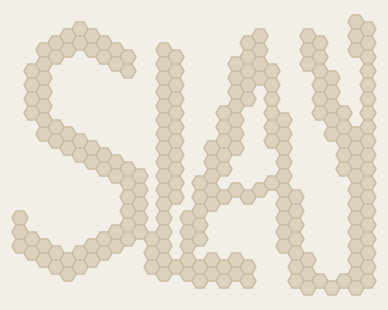 Slay MZCreator unlisted · 232 hexes
-
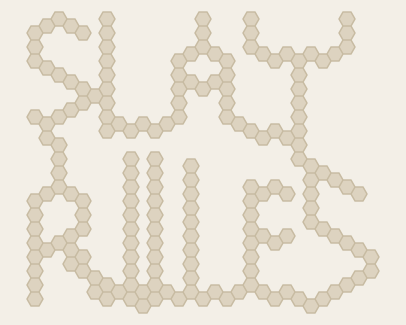 Slay2By sid6.7 · 182 hexes
-
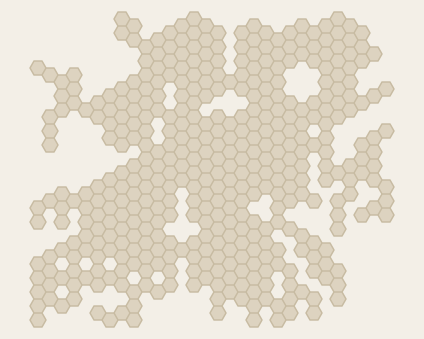 SleghBy sid6.7 · 411 hexes
-
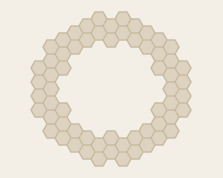 SmallCircleCreator unlisted · 62 hexes
-
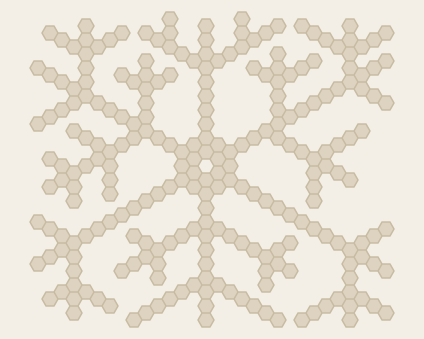 SnowflakeCreator unlisted · 242 hexes
-
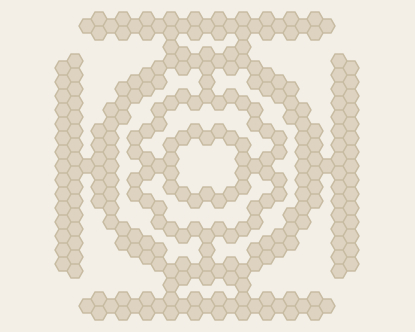 SolitaireCreator unlisted · 275 hexes
-
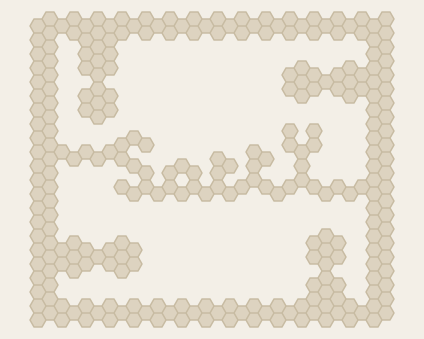 SorryBy sid6.7 · 272 hexes
-
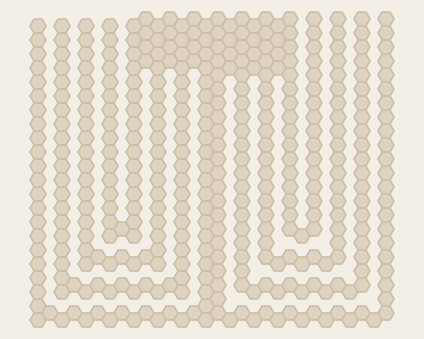 SourceCreator unlisted · 384 hexes
-
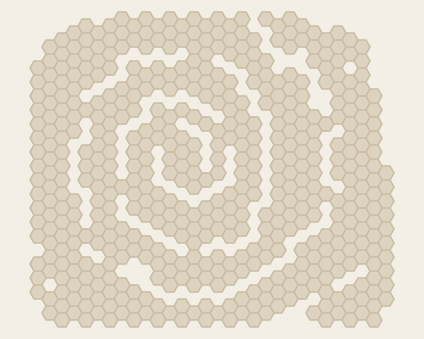 Spiral1By Wolfgang Raffelsberger · 498 hexes
-
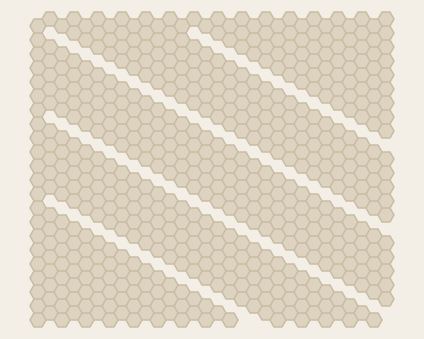 SportsBy Scott Clark · 567 hexes
-
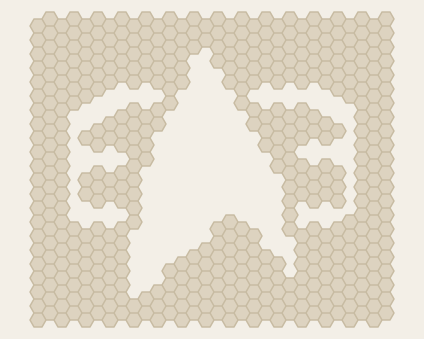 Starfleet DS9Creator unlisted · 468 hexes
-
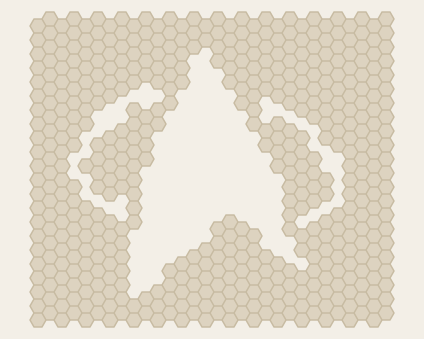 Starfleet TNGCreator unlisted · 497 hexes
-
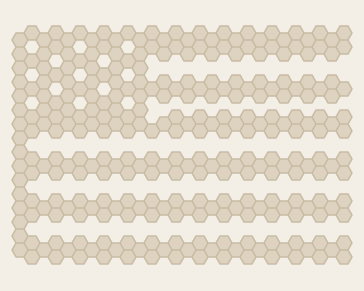 StarsNStripesCreator unlisted · 285 hexes
-
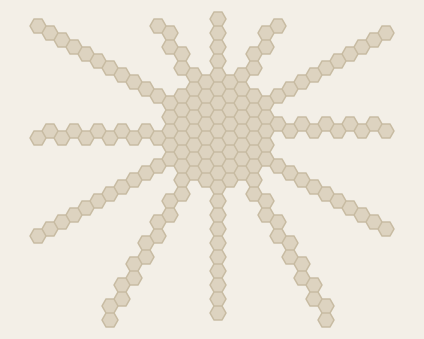 SunCreator unlisted · 177 hexes
-
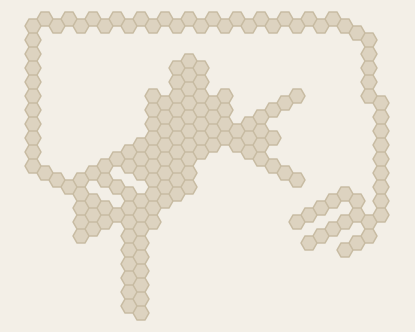 Sydney AirportCreator unlisted · 178 hexes
-
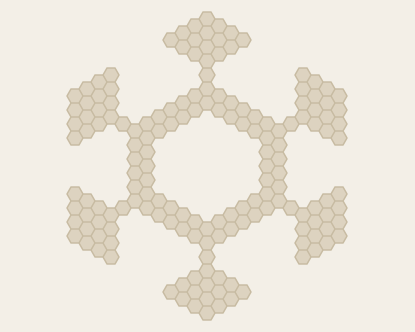 SymmetryCreator unlisted · 164 hexes
-
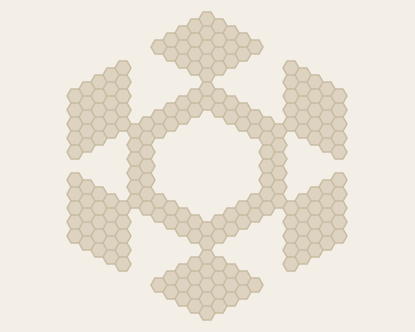 Symmetry XLCreator unlisted · 212 hexes
-
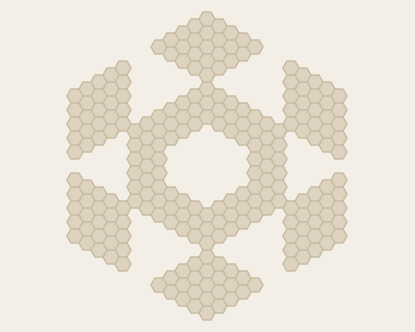 Symmetry XXLCreator unlisted · 234 hexes
-
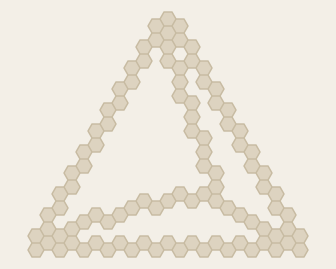 TetraederCreator unlisted · 99 hexes
-
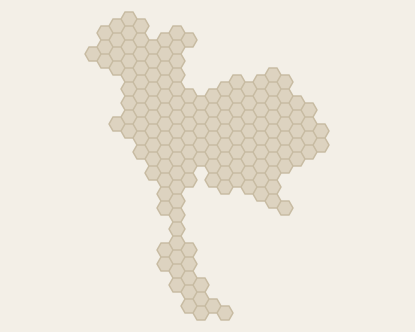 ThailandBy Liam Hammer · 164 hexes
-
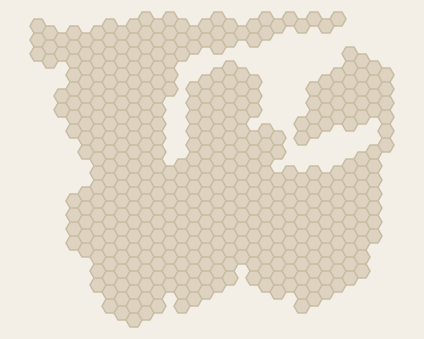 The Northwest Territory 1803By Travis McCain · 433 hexes
-
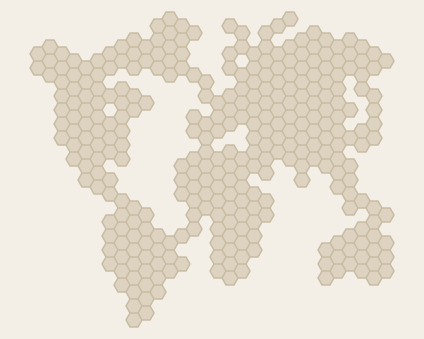 The WorldBy Mike Stevenson · 313 hexes
-
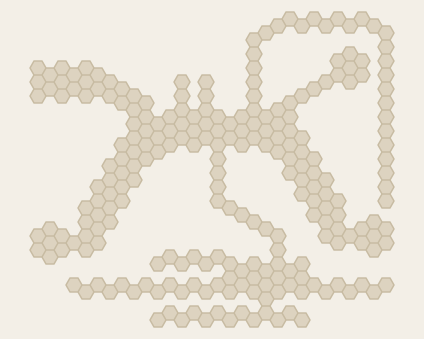 Tokyo AirportBy sid6.7 · 234 hexes
-
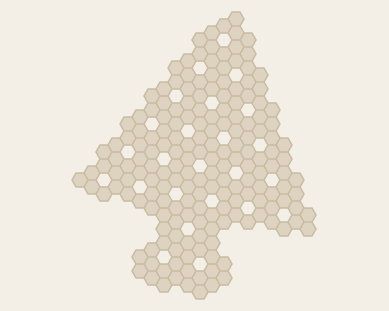 TreesBy Chris Wang · 179 hexes
-
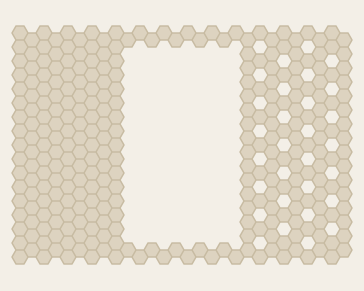 TriColoreCreator unlisted · 287 hexes
-
TrinidadBy Sean O’Connor · 245 hexes
-
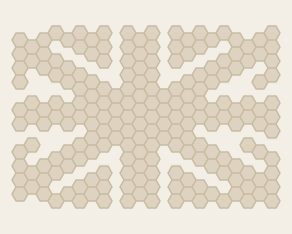 UnionJackCreator unlisted · 200 hexes
-
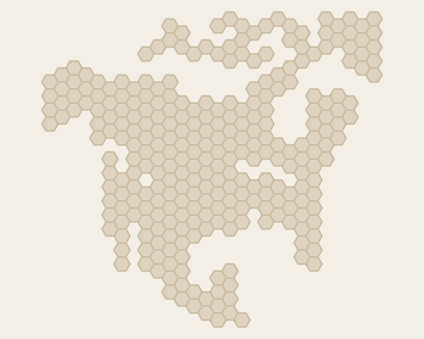 USABy sid6.7 · 280 hexes
-
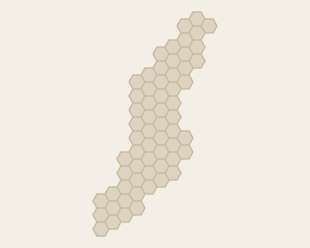 USA 1782Creator unlisted · 62 hexes
-
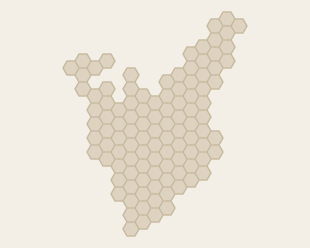 USA 1820Creator unlisted · 106 hexes
-
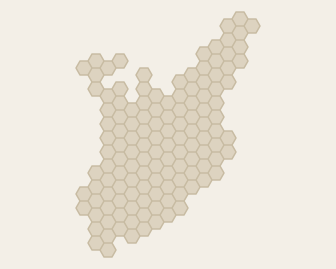 USA 1837Creator unlisted · 129 hexes
-
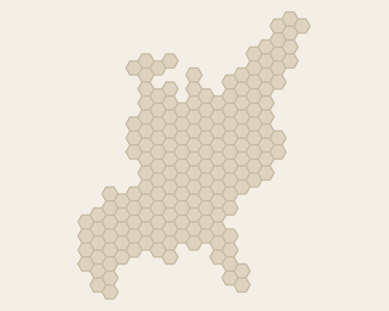 USA 1848Creator unlisted · 176 hexes
-
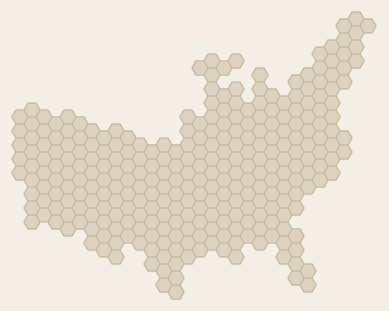 USA 1850Creator unlisted · 288 hexes
-
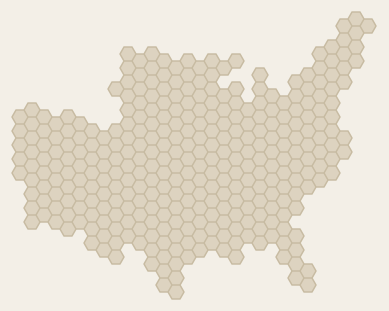 USA 1858Creator unlisted · 327 hexes
-
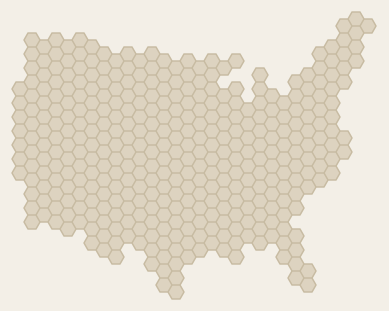 USA 1866Creator unlisted · 372 hexes
-
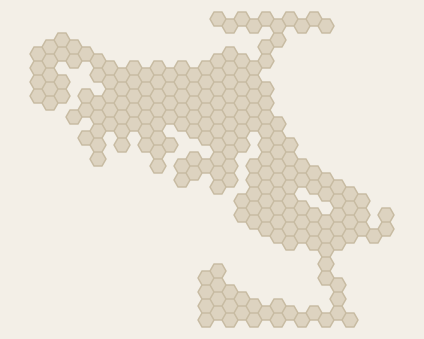 VancouverBy sid6.7 · 221 hexes
-
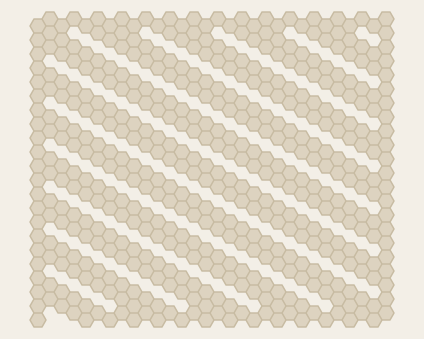 VentBy Scott Clark · 472 hexes
-
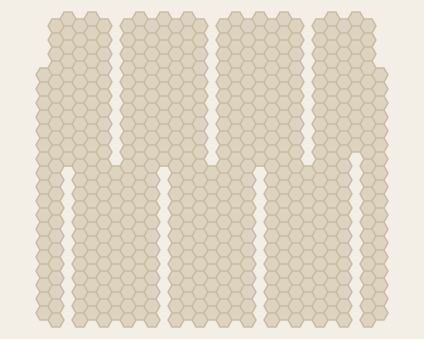 WallsBy Scott Clark · 552 hexes
-
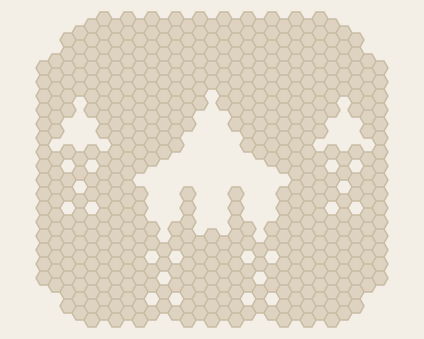 WarBy Scott Clark · 500 hexes
-
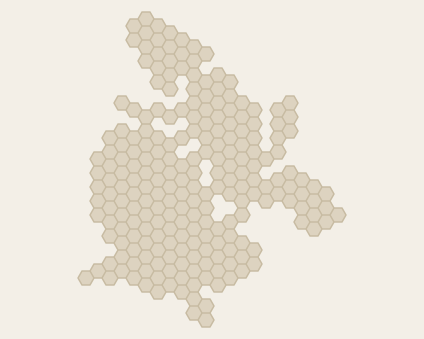 WarzawaCreator unlisted · 221 hexes
-
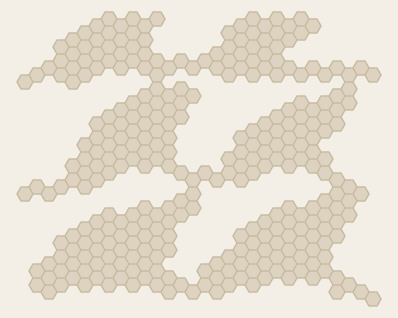 WavesCreator unlisted · 305 hexes
-
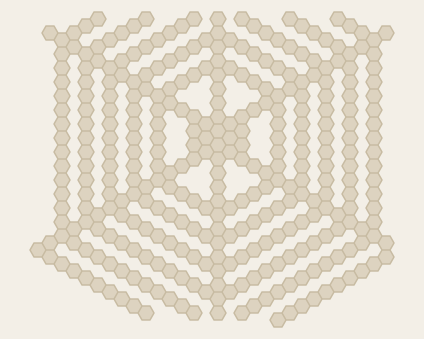 WebBy sid6.7 · 322 hexes
-
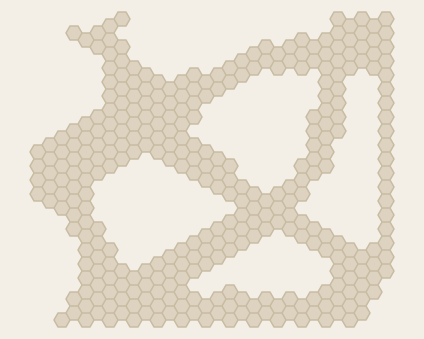 WeirdCreator unlisted · 323 hexes
Credits
Who made these maps
These maps come from Sean O’Connor’s Slay Islands collection. Each map credits its creator where the collection names one; the others are marked Creator unlisted. Dominex is an independent game and isn’t affiliated with Slay or Windows Games.
Made one of these maps, or know who did? Tell us, and we’ll add or correct the credit.
Find a map you remember
Free to browse, preview, and edit. Playing a classic map or saving your changes needs Premium, bought once in the iPhone and iPad app.